

 English
Creating a Custom Vacation Bundle Link
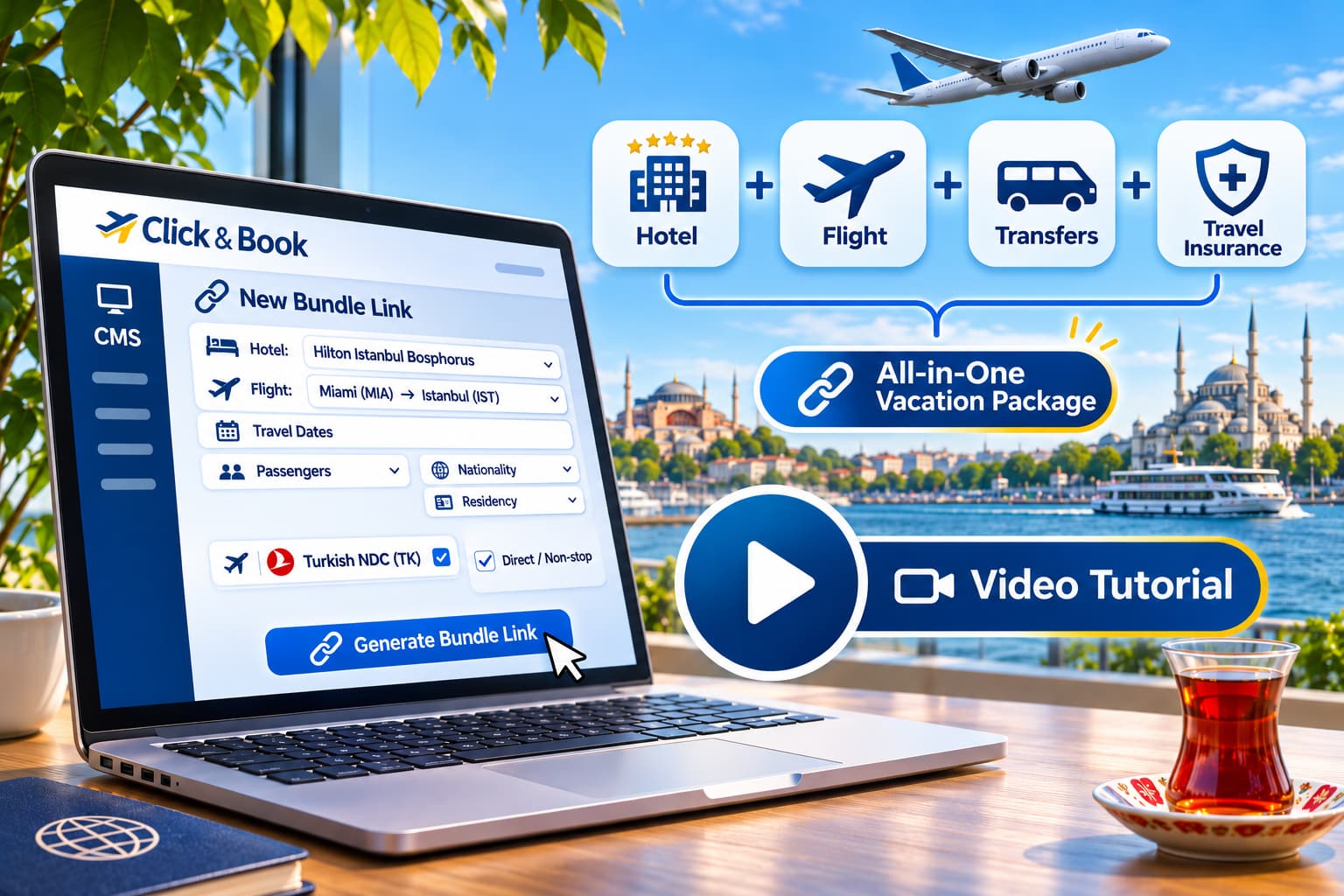
Learn step-by-step how to configure and generate complete, all-in-one vacation package links using the Click & Book dashboard. This video tutorial guides you through combining hotel accommodations, flights, airport transfers, and travel insurance into a single, real-time bookable link.
Read More
In this video, you will learn how to:
- Navigate the CMS section to initiate a New Bundle Link.
- Select and feature specific properties (e.g., Hilton Istanbul Bosphorus).
- Configure travel dates, passenger counts, nationality, and residency settings.
- Set origin/destination routes (e.g., Miami to Istanbul).
- Lock specific flight and hotel suppliers using Turkish NDC (TK) with direct/non-stop flight filters.
- Understand the automated real-time repricing process.
- Preview the final customer booking journey from the "We are building your deal" screen to room selection and checkout.