


 English
Creating a Custom Vacation Bundle Link
In short: Learn step-by-step how to configure and generate complete, all-in-one vacation package links using the Click & Book dashboard.
In this video, you will learn how to:
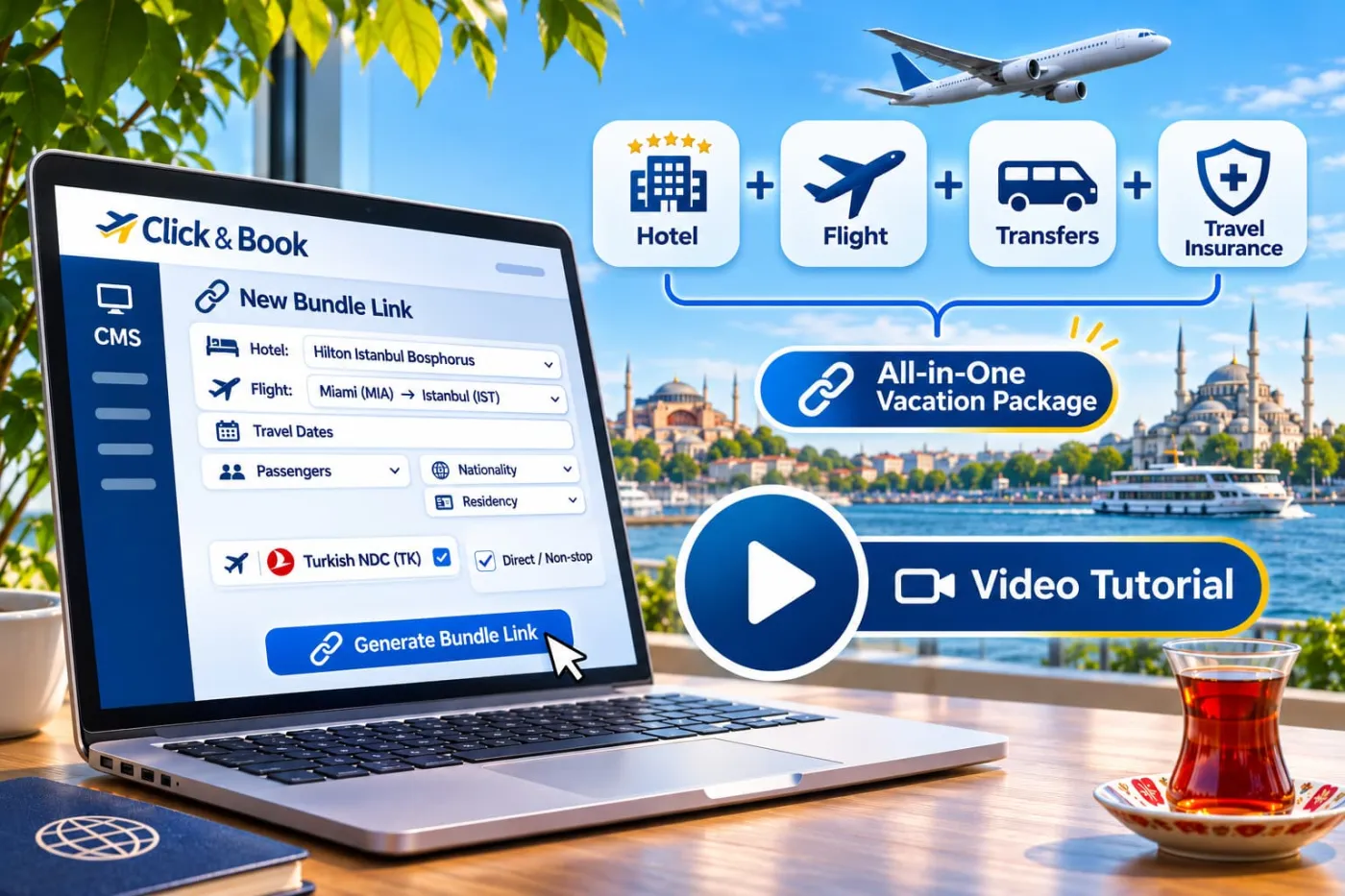
- Navigate the CMS section to initiate a New Bundle Link.
- Select and feature specific properties (e.g., Hilton Istanbul Bosphorus).
- Configure travel dates, passenger counts, nationality, and residency settings.
- Set origin/destination routes (e.g., Miami to Istanbul).
- Lock specific flight and hotel suppliers using Turkish NDC (TK) with direct/non-stop flight filters.
- Understand the automated real-time repricing process.
- Preview the final customer booking journey from the "We are building your deal" screen to room selection and checkout.
Frequently asked questions
What is Click and Book?
Click and Book is a wholesale travel booking platform for travel agents, travel agencies and home-based travel advisors. Members book hotels, flights, cruises, tours and more at net rates and sell them under their own brand.
Where can I find more Click and Book tutorials?
All step-by-step guides and videos are on the Tutorials page, in English and Spanish.
Which products can I sell?
Hotels, flights, cruises, river cruises, escorted tours, group trips, packages, activities, Disney and attraction tickets, transfers, car rentals, travel insurance and charters.
Is Click and Book IATA accredited?
Yes. Click and Book is an IATA accredited agency, part of the Costamar Group, with over 40 years of experience in the travel industry.
How do I get help with my account?
Contact Click and Book support at support@clickandbook.com or +1 845-739-5498.
Last updated · IATA accredited agency · Plans & Pricing · All tutorials